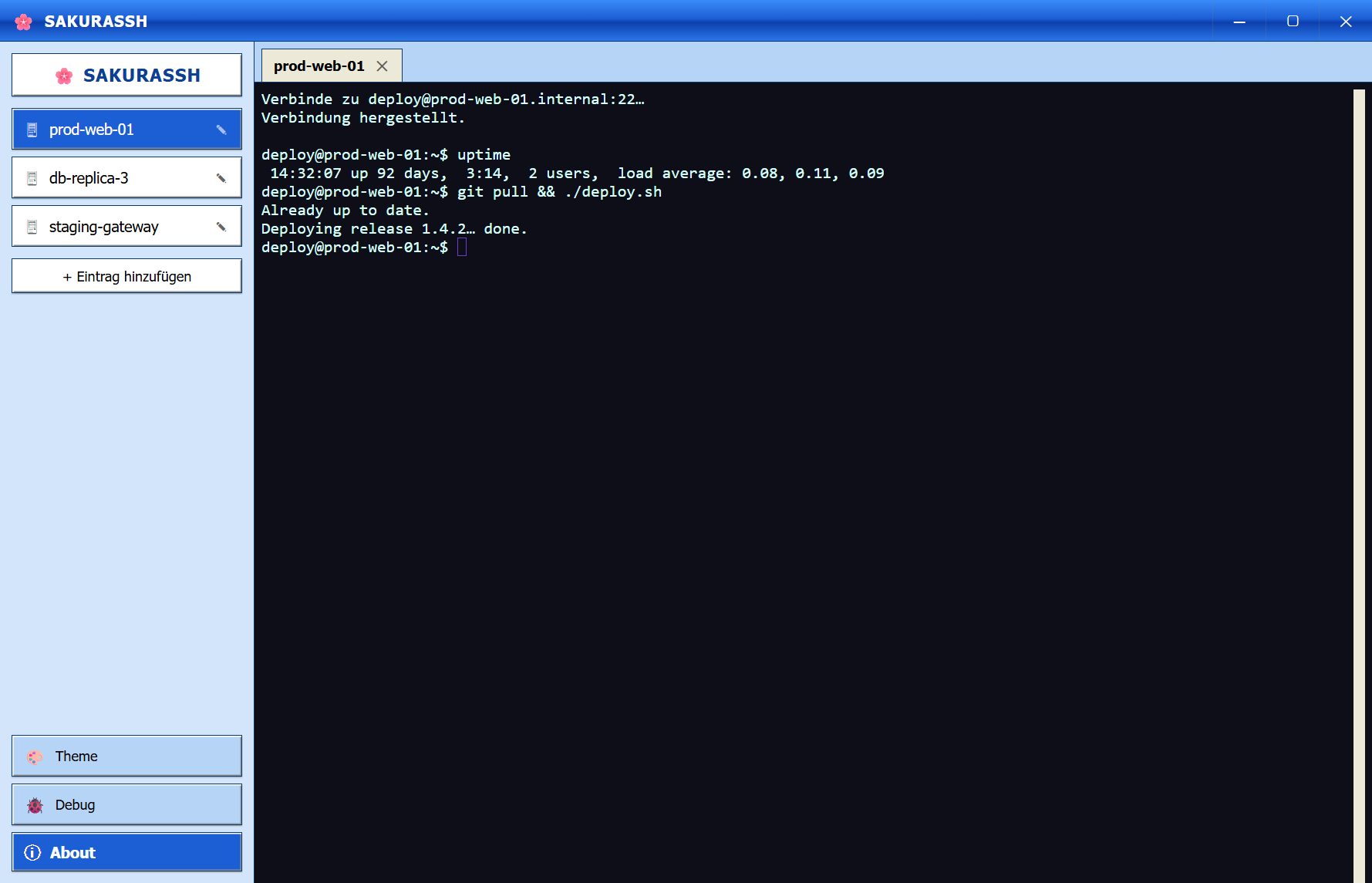
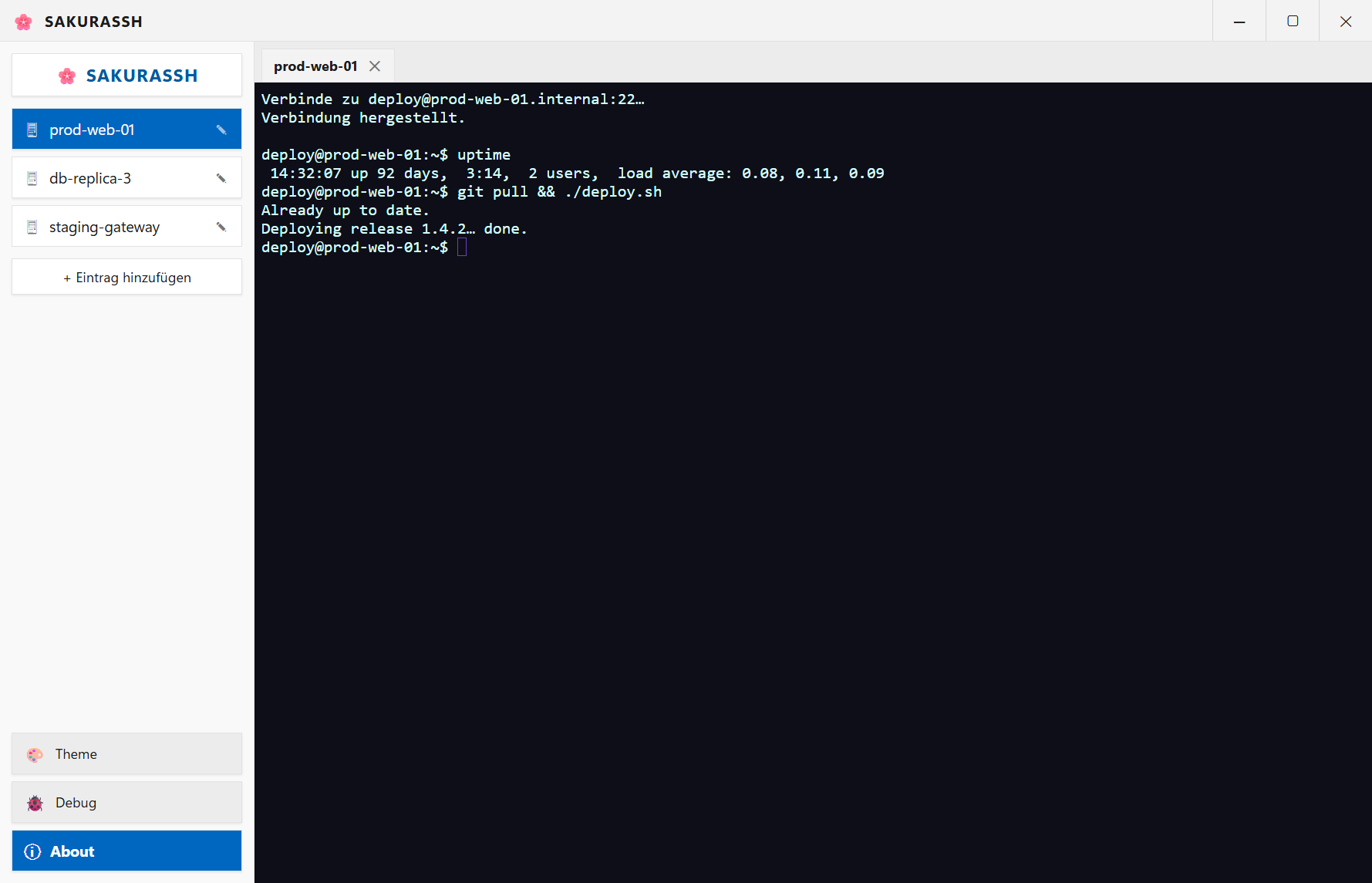
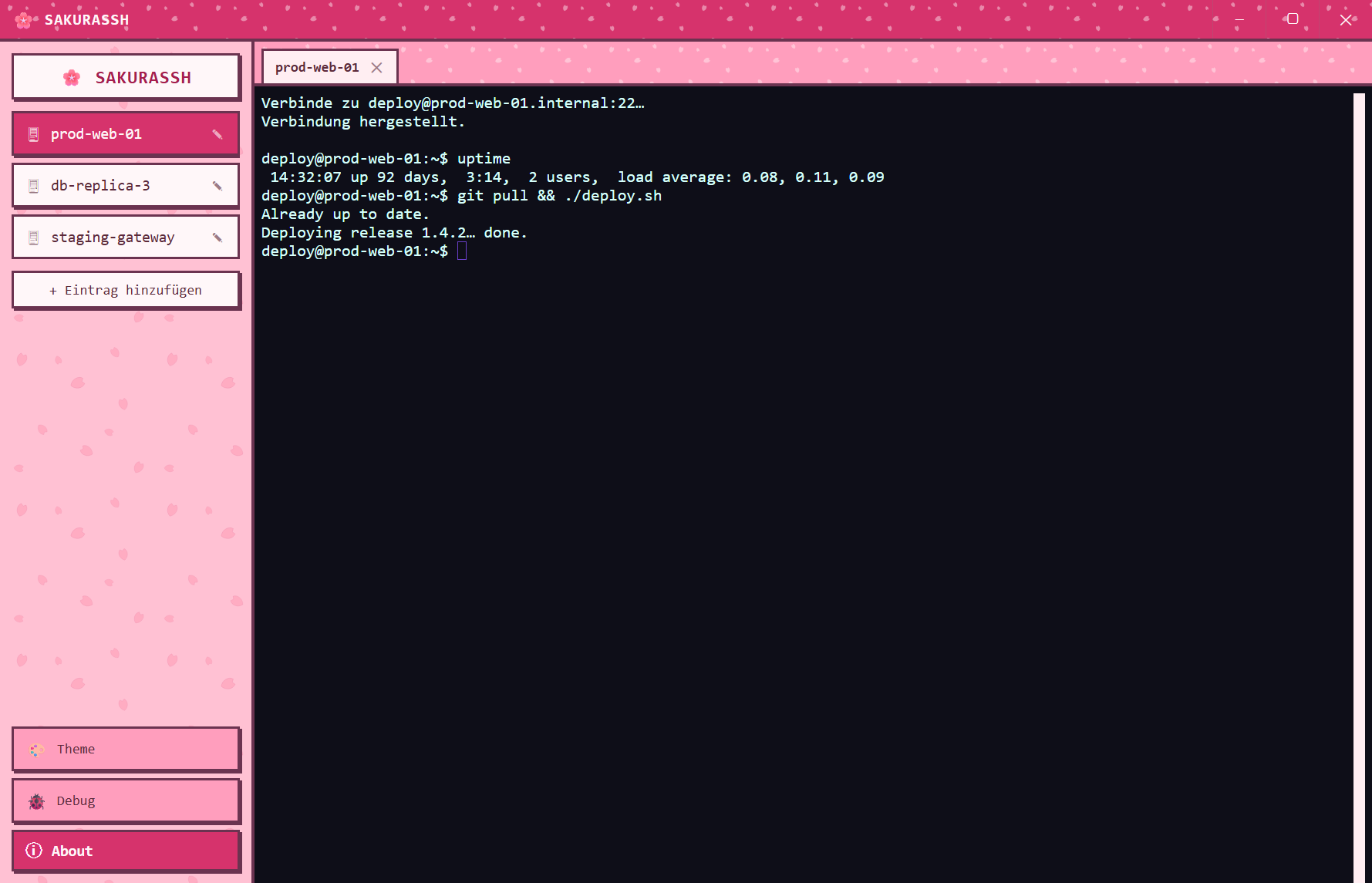
SakuraSSH is a connection manager for SSH servers that can wear four completely different desktops — a scanline-styled Retro shell, Windows XP Luna, native Windows 11, or the cherry-blossom Sakura skin it's named after. Same connections, same keys, new coat of paint whenever you want one.
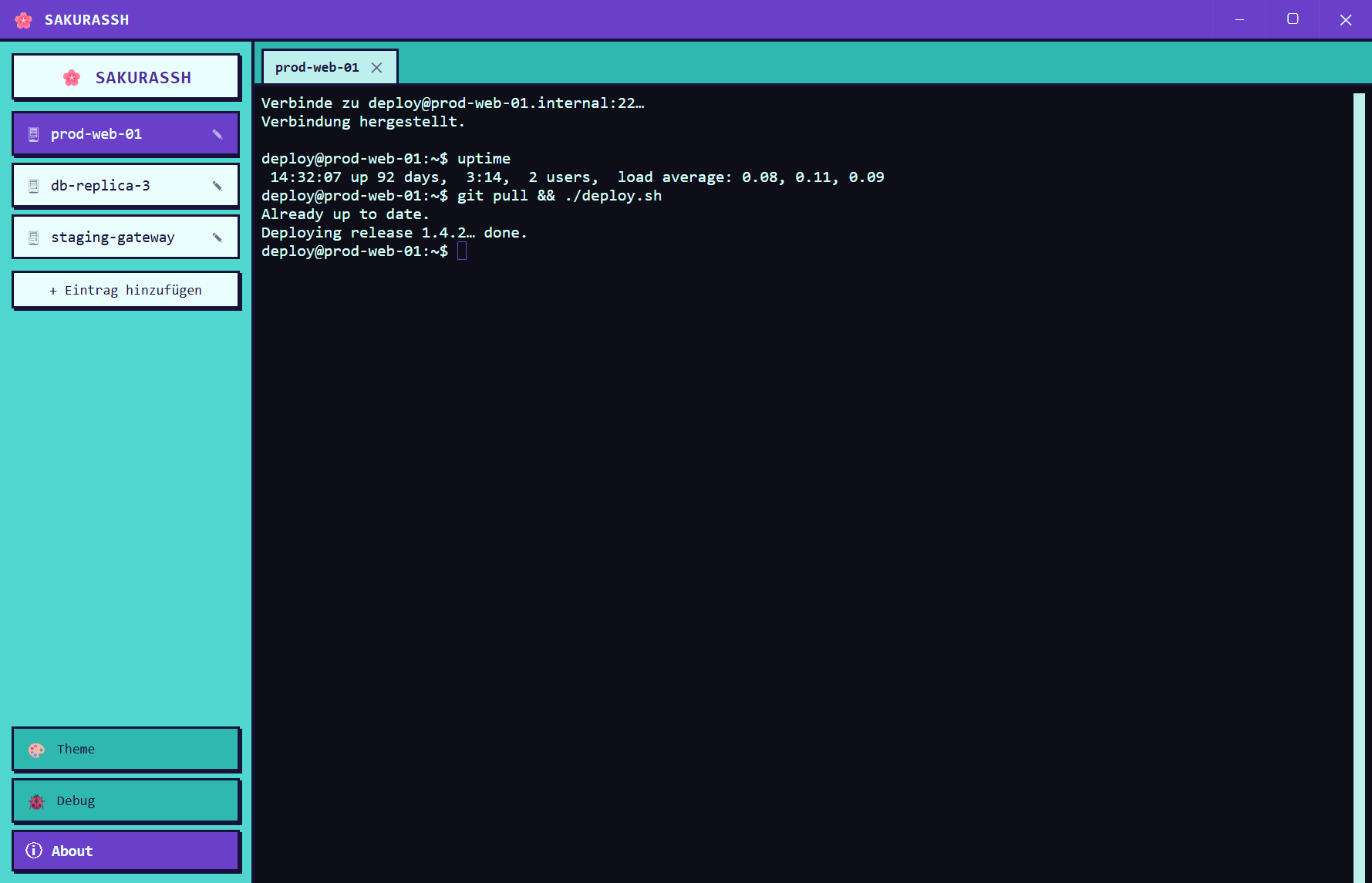
Actual screenshots — click a tab to switch themes.
Save hosts, ports and usernames once. Rename, edit or remove entries without hunting through config files.
Connect with a password, or a private key plus passphrase. Either way, the terminal itself runs on xterm.js.
Saved passwords and passphrases live in their own encrypted file, sealed with your OS's own encryption — separate from your server list.
Retro, Windows XP, Windows 11 or Sakura — change the theme from settings, no restart needed.
Run the Windows installer, unzip the portable build, or launch the Linux AppImage directly. Nothing else to configure.
Enter a host, port and username, and choose password or key-based sign-in.
Open the connection and you're in a full xterm.js terminal, styled to match your chosen theme.
Guided install with Start Menu and desktop shortcuts. Recommended for most people.
SakuraSSH-Setup-1.2.0.exeA single .exe you can run from anywhere — no install, no admin rights.
SakuraSSH-Portable-1.2.0.exeA single portable file — chmod +x and run, no install needed.
Windows 10 or 11 · 64-bit | Linux (x86_64, glibc)
All downloads are hosted on GitHub Releases.
✎ Unsigned development builds — Windows SmartScreen and Linux desktop environments may warn before running them.
SakuraSSH is freeware: use it free of charge, privately and commercially, on as many machines as you like. It is not open source — redistribution, modification and reverse engineering are not permitted. The full licence agreement ships with every build and is shown in the app under “Licences”.
| Component | Used for | Licence |
|---|---|---|
| Electron | Application runtime | MIT |
| Chromium | Rendering engine (via Electron) | BSD-3-Clause |
| Node.js | JavaScript runtime (via Electron) | MIT |
| ssh2 | SSH protocol implementation | MIT |
| asn1 | Key parsing (via ssh2) | MIT |
| bcrypt-pbkdf | Key derivation (via ssh2) | BSD-3-Clause |
| TweetNaCl.js | Cryptography (via ssh2) | Unlicense |
| xterm.js | Terminal emulator | MIT |
| xterm-addon-fit | Terminal resizing | MIT |
| VT323, IBM Plex | Webfonts on this page | OFL-1.1 |
Every build ships the complete licence texts: LICENSE.md and THIRD-PARTY-NOTICES.md inside the application, plus Chromium’s and Node’s own notices next to the executable.